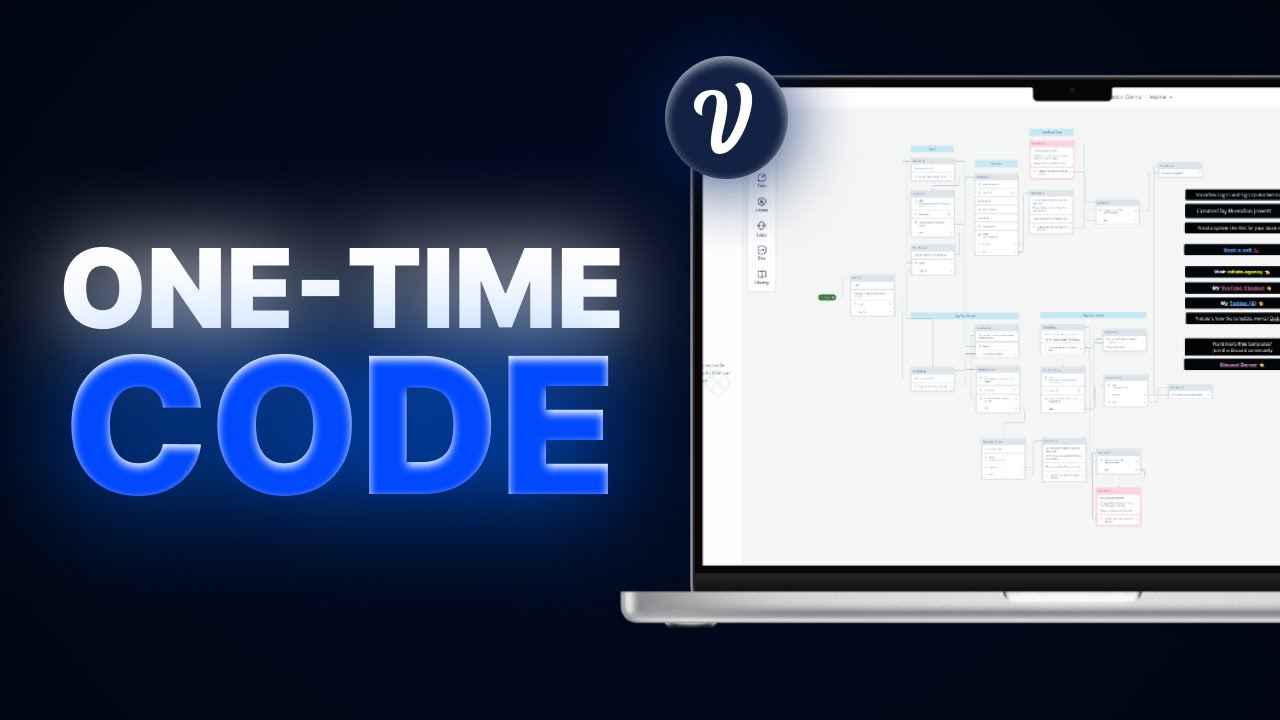
Building a One-Time Login Code Authentication System within Voiceflow
Are you looking to build a secure and efficient authentication system for your Voiceflow application? Look no further than a one-time login code system. In this article, we'll walk you through the steps to build a one-time login code authentication system within Voiceflow, from setting up an Airtable database to sending verification emails.
Table of Contents
1. Introduction
2. Setting up an Airtable Database
3. Creating a Signup System
4. Creating a Login System
5. Verifying Users
6. Conclusion
Setting up an Airtable Database
Before we can begin building our authentication system, we need to set up an Airtable database to store user information. To do this, simply create an Airtable account and create a new base with columns for email, name, and any other relevant information.
Once you've created your base, navigate to the developer hub and create a new token with all necessary permissions. You'll also need to generate a web hook URL for your database.
Creating a Signup System
With our database set up, we can now create a signup system for new users. This system will capture a user's email, check if it already exists in our database, and generate a one-time login code to be sent via email.
To do this, we'll use Voiceflow's built-in HTTP request block to make a GET request to our Airtable database, passing in the user's email as a parameter. We'll then use JavaScript to parse the response and check if the email already exists in our database. If it does, we'll prompt the user to log in instead. If not, we'll generate a one-time login code and send it to the user via email using a POST request to a web hook URL.
Creating a Login System
Once a user has signed up, they can log in using their email and the one-time login code they received via email. To do this, we'll use a similar process to the signup system, making a GET request to our Airtable database to check if the email exists and prompting the user to enter their one-time login code. If the code is correct, we'll log the user in and allow them to access the rest of the application.
Verifying Users
To ensure the security of our authentication system, we'll also need to verify users before allowing them to access sensitive information or perform certain actions. This can be done by adding a verification step to our login system, such as sending a verification email or requiring a second factor of authentication.
Conclusion
By following these steps, you can build a secure and efficient one-time login code authentication system within Voiceflow. With this system in place, you can ensure the security of your application and protect your users' sensitive information.
👍 Pros:
- Secure and efficient authentication system
- Easy to set up with Airtable and Voiceflow
- Can be customized to fit your specific needs
👎 Cons:
- Requires some knowledge of JavaScript and HTTP requests
- May require additional verification steps for added security
Highlights
- Building a one-time login code authentication system within Voiceflow
- Setting up an Airtable database to store user information
- Creating a signup system to capture user information and generate a one-time login code
- Creating a login system to verify users and allow access to the application
- Adding additional verification steps for added security
FAQ
Q: Do I need to use Airtable for this authentication system?
A: No, you can use any database or storage system that allows for HTTP requests.
Q: Can I customize the verification process?
A: Yes, you can add additional verification steps such as sending a verification email or requiring a second factor of authentication.
Q: Do I need to know JavaScript to build this system?
A: Some knowledge of JavaScript and HTTP requests is required, but the process can be simplified using Voiceflow's built-in blocks and templates.
Resources:
- Airtable: https://airtable.com/
- Voiceflow: https://www.voiceflow.com/
- AI Chatbot: https://www.voc.ai/product/ai-chatbot


